
Text element
Add text in the machine gui.
Text element is used to render a text on the Machine GUI.
Text elements are defined in json with : "type": "custommachinery:text".
The text must be a single string and can't have multiple lines (use multiple text elements for that).
Currently you can't change the size of the text.
Properties
The text element has 4 mandatory properties and 3 optional properties :
Mandatory properties
"type": "custommachinery:text" //Mandatory to define a text element.Optional properties
Priority
Name : priority
priorityDescription :
An integer property that define the priority of the Element to be rendered.
Elements with higher priority will be rendered first. If 2 elements are at the same position the first to be rendered will be under and the last will be above.
Default : 0
Example :
The element will be rendered under each element that have a priority lower than 1000.
Color
Name : color
Description :
An integer value that define the color of the text. The value must be an integer encoded like 0xRRGGBB.
Go here if you don't know how to calculate an integer color from RGB values.
Default : 0
Black text.
Example :
Example
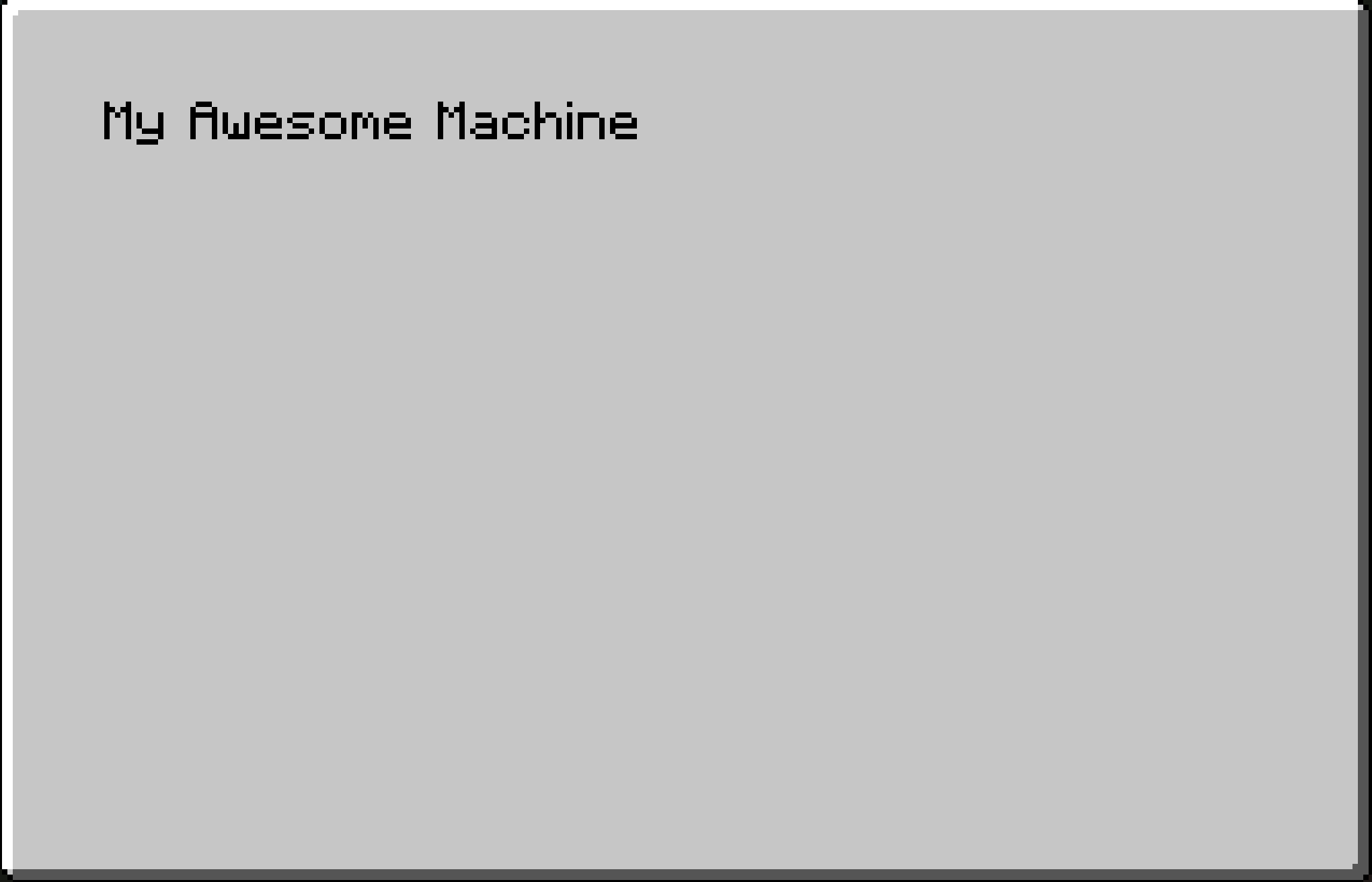
A basic text element :
Result :
Last updated